
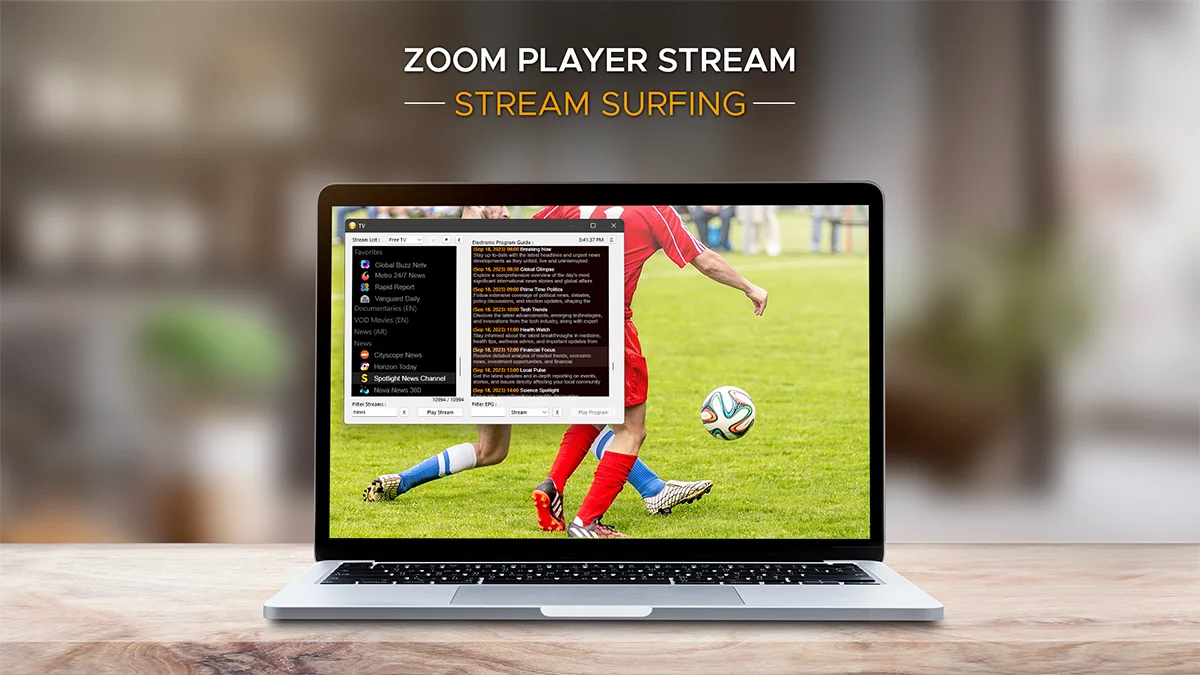
Zoom Player STREAM
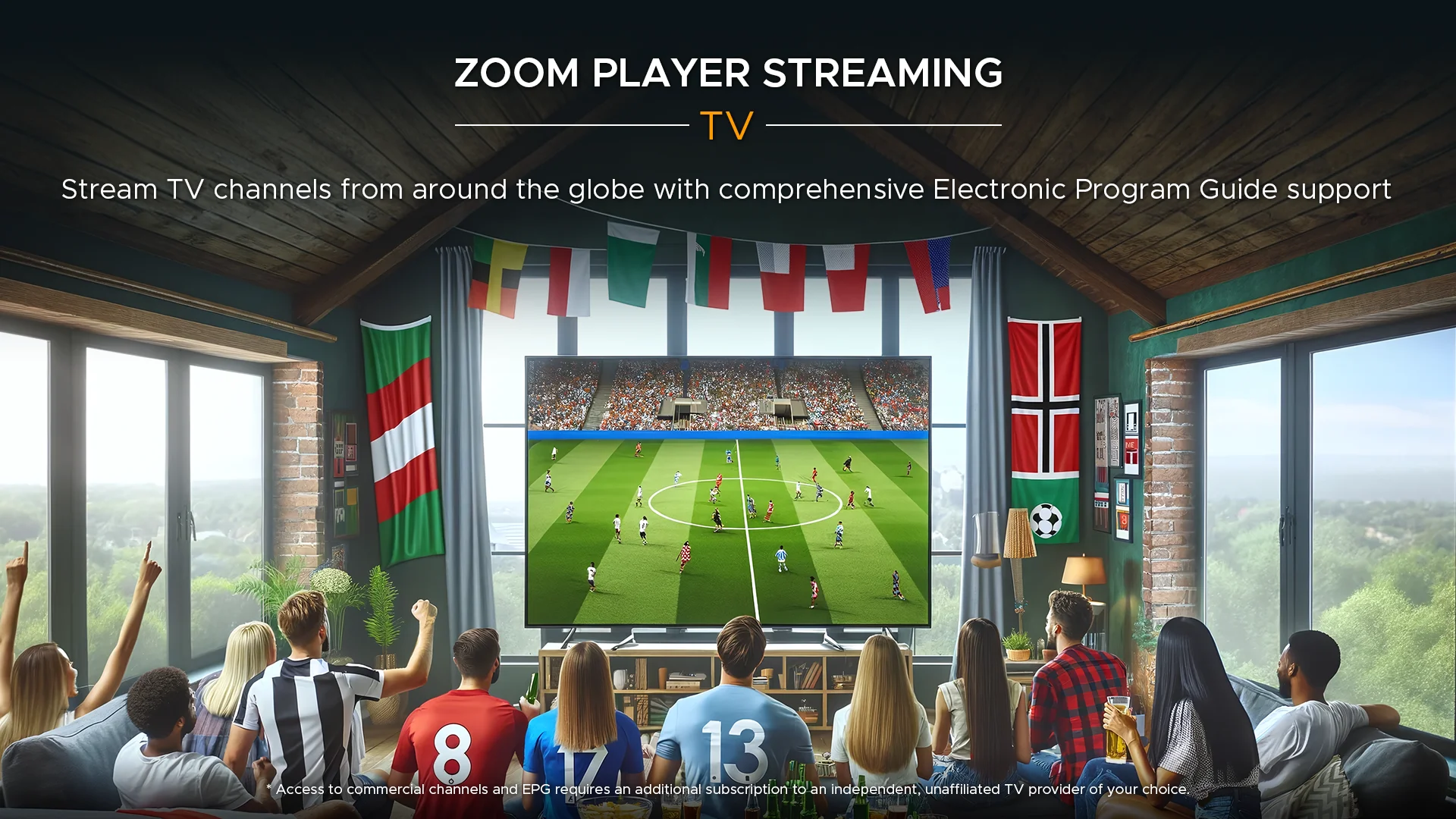
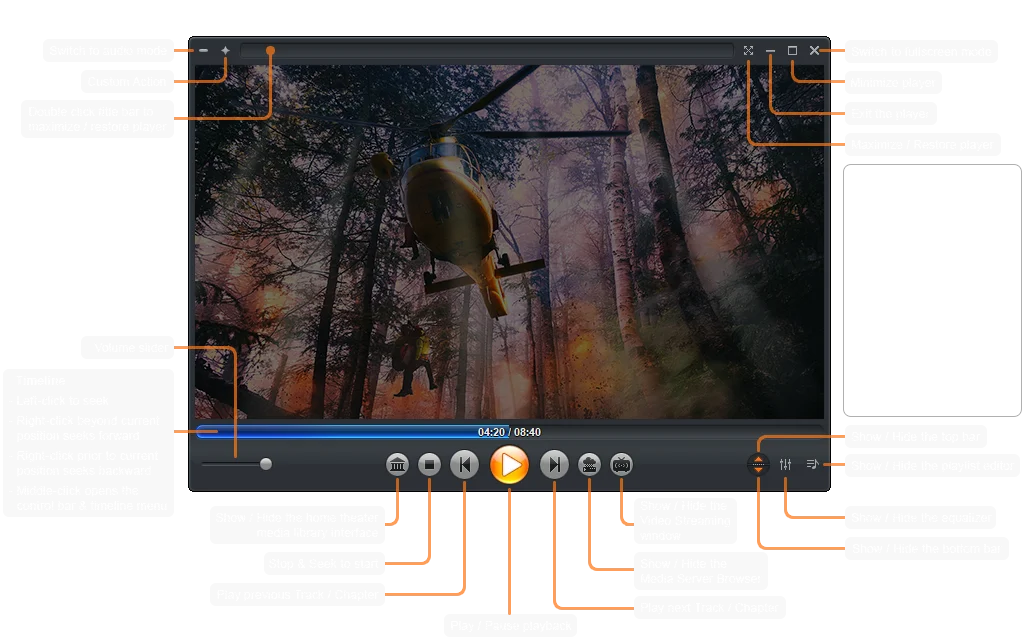
I designed Zoom Player STREAM as the most versatile Streamer & VOD Player for Windows, here's why it's unique :
Connect
- Easily connect with your favorite service provider using a login (user name/password) or Playlist (M3U) and Electronic Program Guide links (XML)
- Catch-up. Play content streamed in the last few days with supporting stream providers
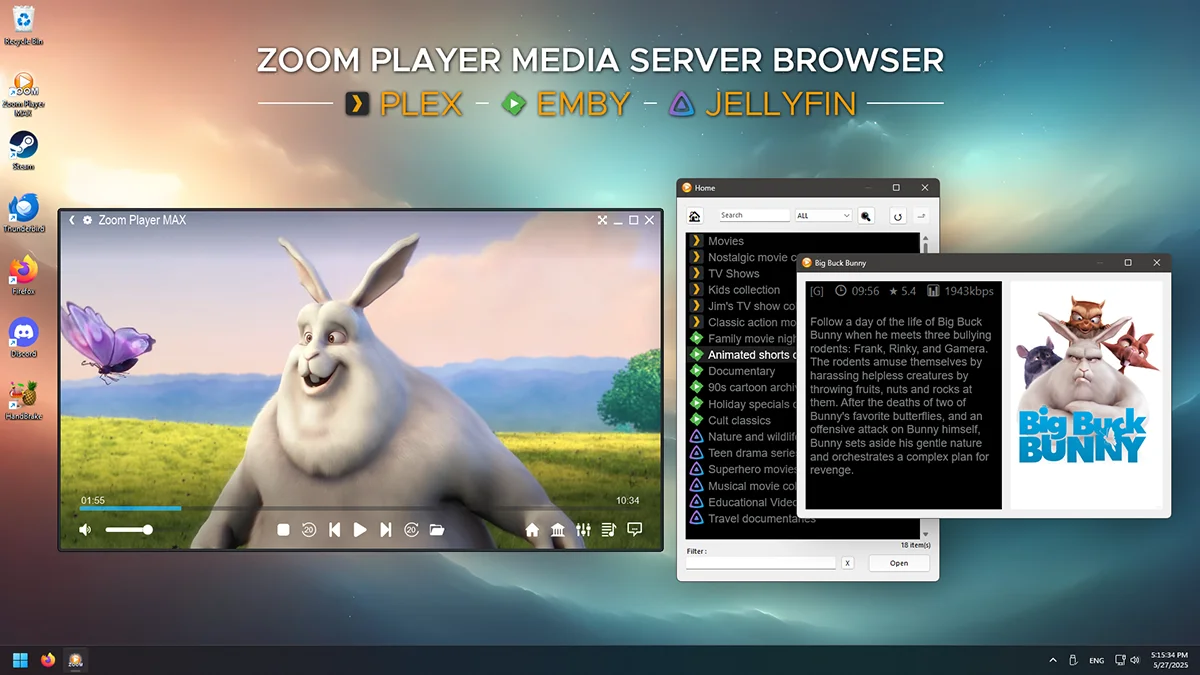
- Seamlessly connect to Plex, Emby or Jellyfin media servers to share content from friends and family or access your own media remotely
- Connect to an unlimited number of stream providers and Media Servers concurrently
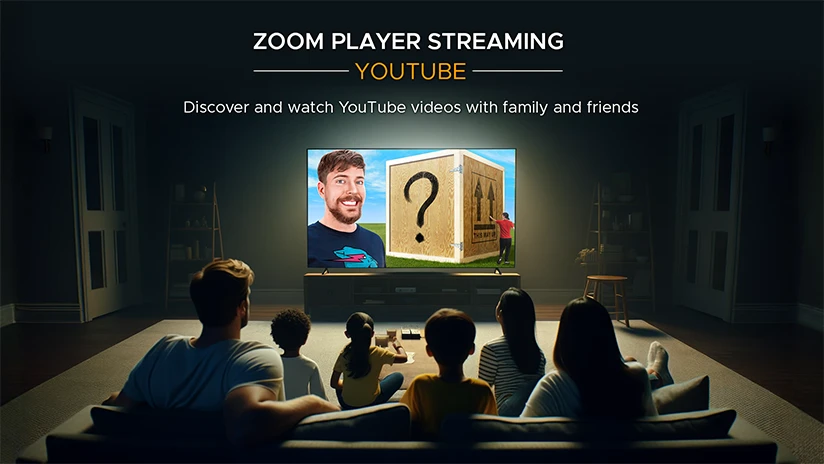
- A versatile Home Theater interface to easily stream your favorite YouTube Channels, Trends, Searches and Playlists
Quality
- Support for the best media decoding engines for Windows, both DirectShow and libVLC - the choice is yours!
- 4K HDR Hardware Accelerated video decoding, Zoom Player will squeeze the most performance out of your hardware
- High quality GPU image scaling algorithms and frame interpolation for smoother, sharper video (optional)
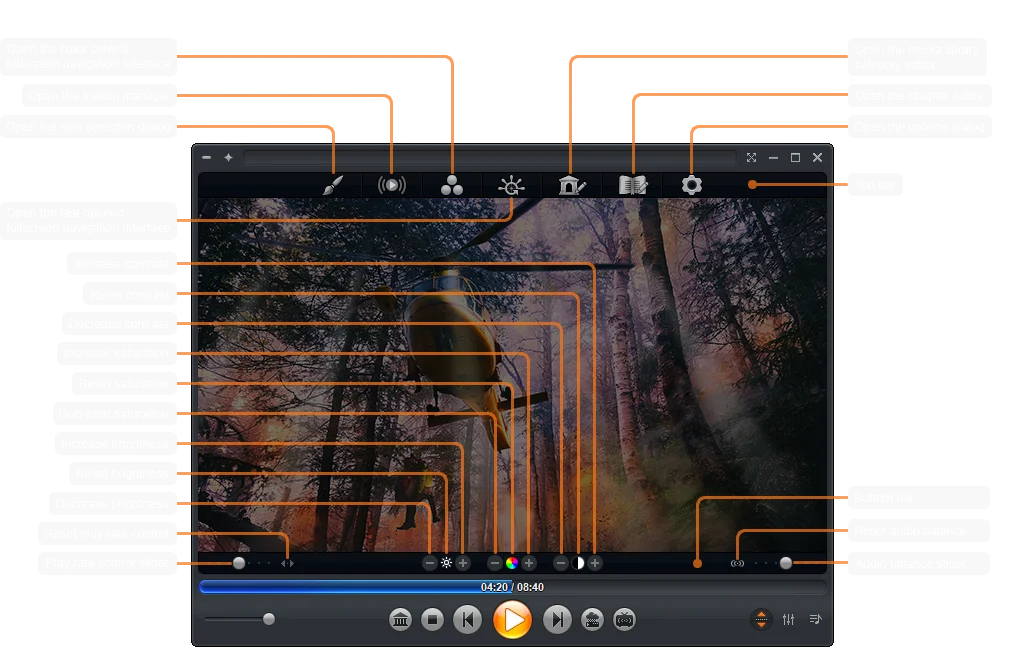
- Customizable DirectShow components and add-ons such as LAV Filters, MadVR and MPC-VR
Control
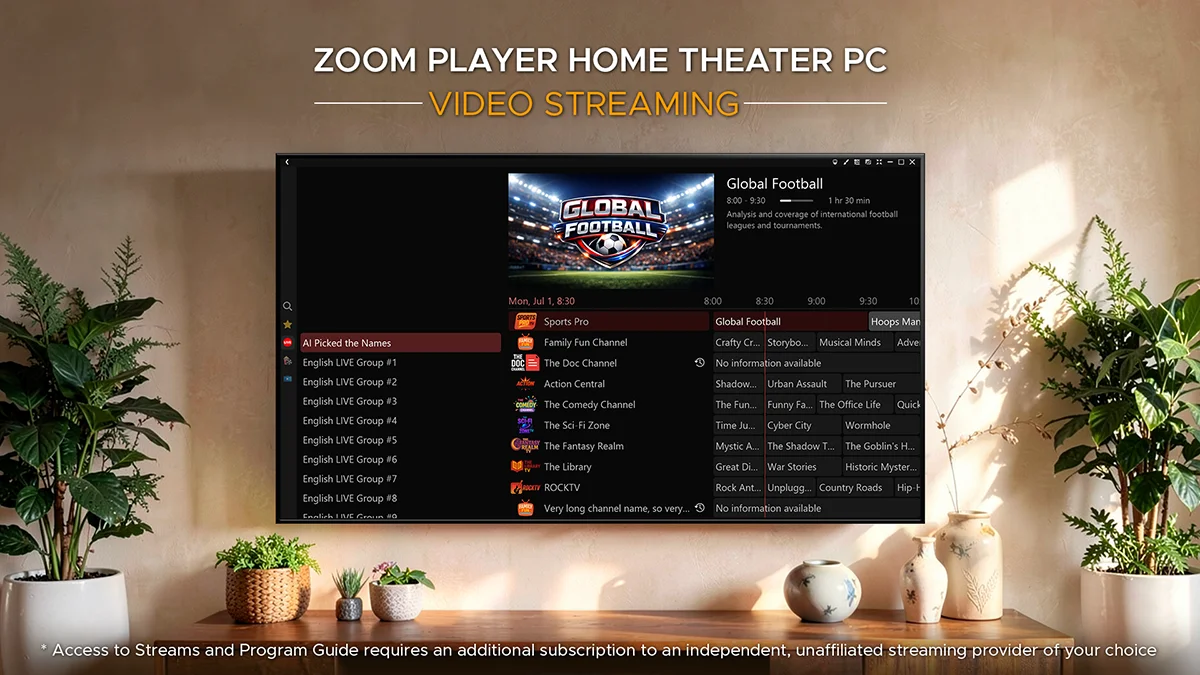
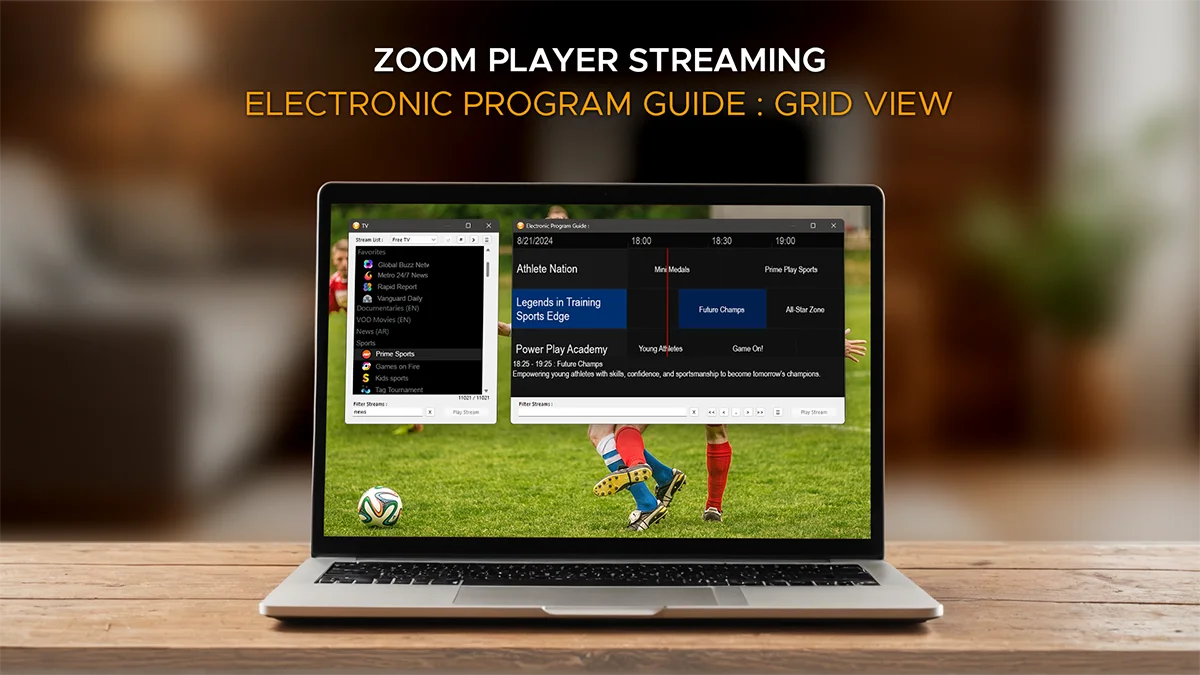
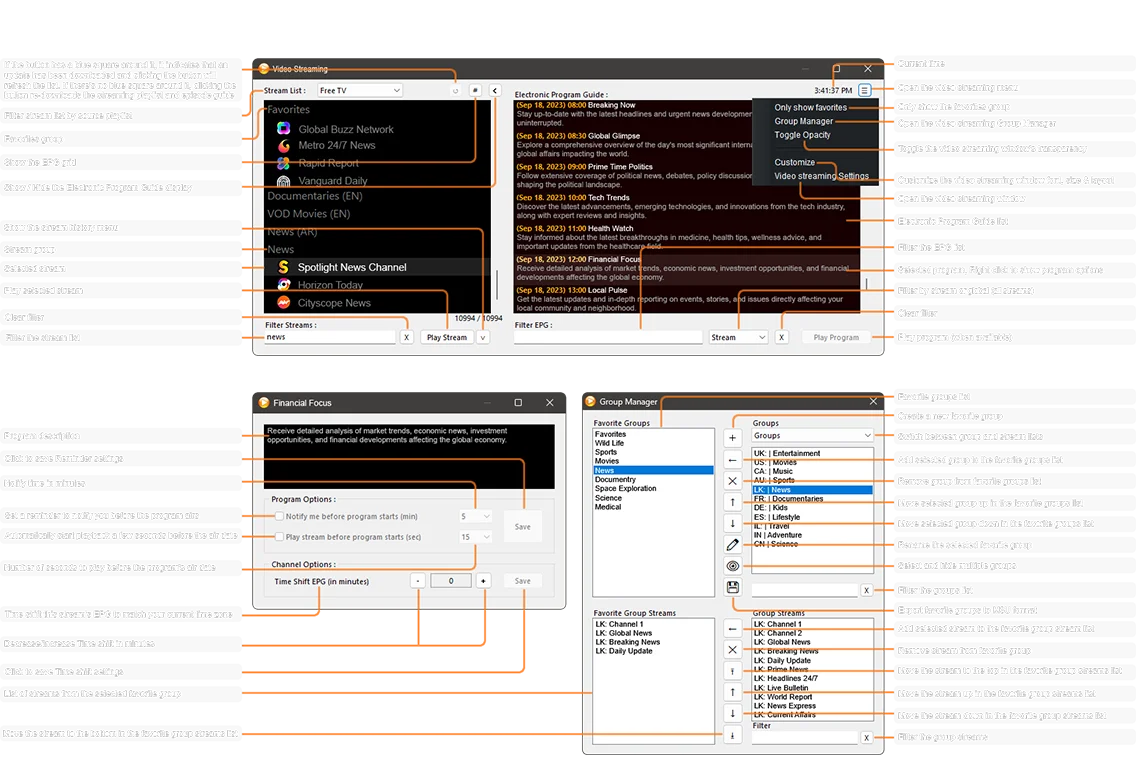
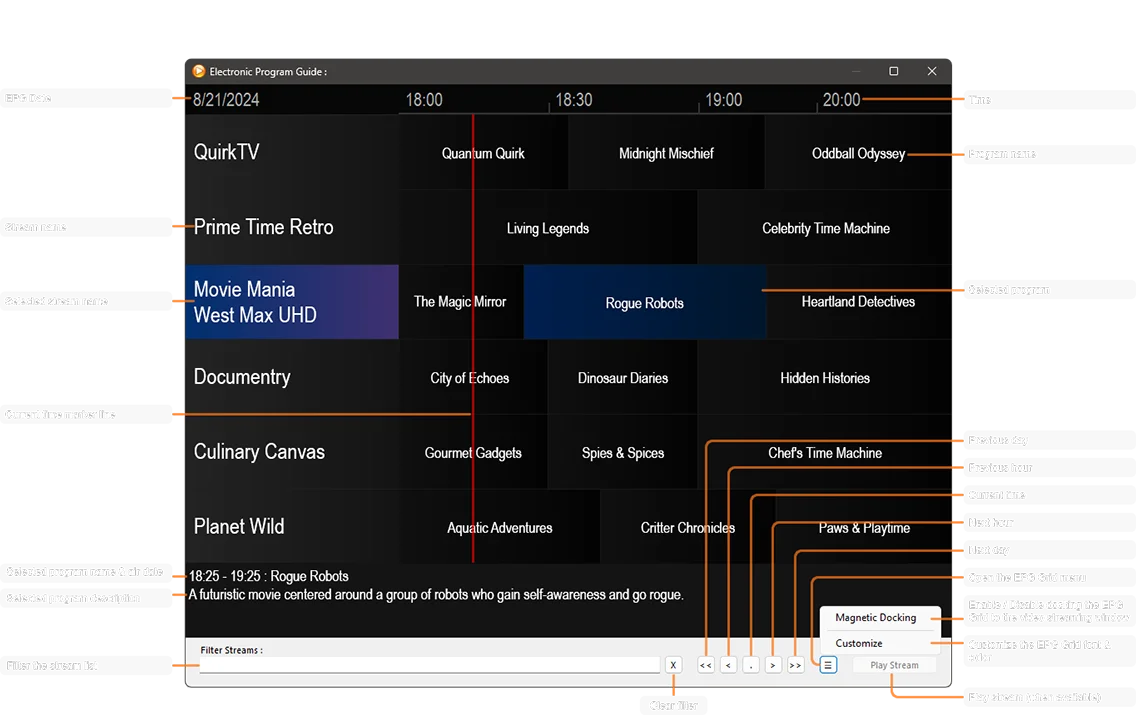
- Full EPG (Electronic Program Guide) display in both List and Grid views with multi-level time-shifting options
- Optimized Streaming and Media Server caching for a highly responsive user interface
- Filter through streams in real time to instantly find the stream you're looking for
- Filter through the EPG to quickly find a program listing in the currently selected stream
- Use a global EPG filter to find a specific program listing across all streams
- Media Server (Plex, Emby, Jellyfin) search and filtering, find your content faster than using the native clients
- Powerful streams group management tools
- Fully customizable layout, sizes & colors. Perfect for the personalization enthusiast or visually impaired
I discuss and release new features and fixes consistently in Zoom Player's Reddit Community, join the fun and let me know how I can make Zoom Player better or help guide you through the setup process.
** Zoom Player STREAM is the more affordable, streaming-only version of Zoom Player MAX, for the full MAX experience, click here.
* Access to Streams and Program Guide requires an additional subscription to an independent, unaffiliated streaming provider of your choice.
ZOOM PLAYER
STREAM
version 23 beta 2 | 93 MB
Troubleshooting Downloads
Despite every Zoom Player STREAM installer being scanned by VirusTotal and approved by Microsoft SmartScreen prior to release, browsers may still issue 'Dangerous Software' warnings or alert that the software 'could harm your device'. This message is the result of Google's flawed 'Safe Browsing' initiative, which is also used by other browsers. Regrettably, Google does not offer a mechanism to challenge this false detection. Nevertheless, the actual installer is not malicious, and therefore, your antivirus software will not block it. As a workaround, consider downloading the installer as a ZIP or 7z archive file.
 Zoom Player STREAM is 100% clean (VirusTotal)Download Zoom Player STREAM as a ZIP fileDownload Zoom Player STREAM as a 7z file
Usage Guides
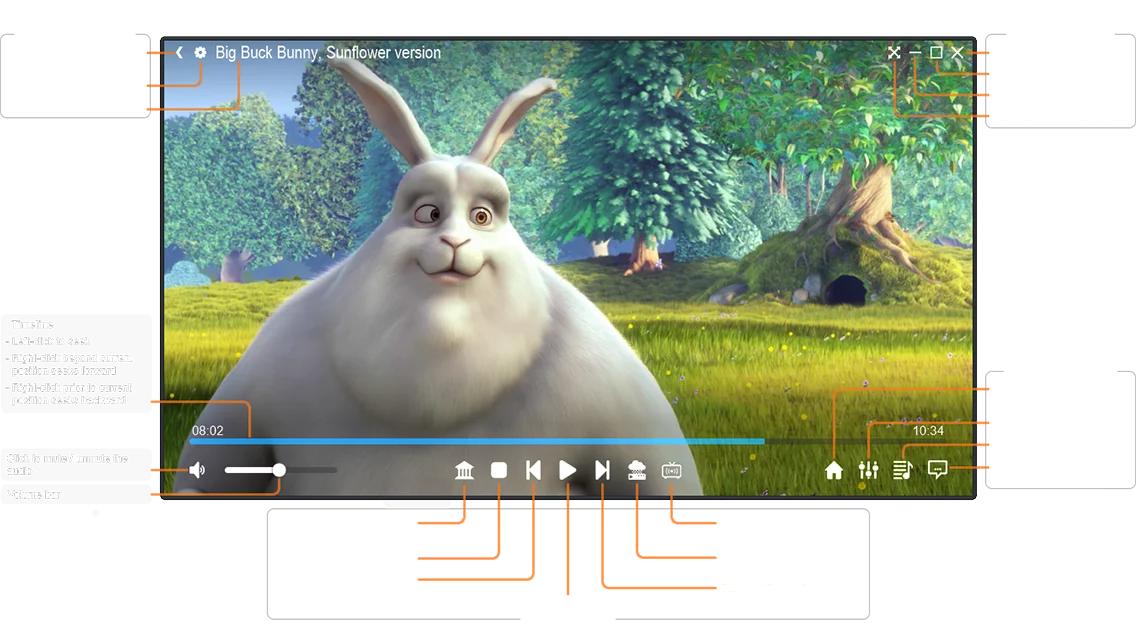
The Install Center
To maintain your privacy, the Install Center does not transmit any information.
Instead, the Install Center works by downloading an index file containing an up-to-date component catalog.
Once downloaded, the Install Center checks the catalog to determine which catalog component entries are currently missing or outdated on your computer.
Next, the Install Center prompts you to select which components or language pack to install, with the missing or outdated components clearly marked in bold text.
For a video tutorial detailing how to use the Install Center, click here.
With Zoom Player's Install Center, your computer is always securely updated with the latest verified media playback technologies.
Upgrades
Zoom Player STREAM is very upgrade friendly, you can install over previous installation without any stability issues.
You do not need to uninstall a previous version of Zoom Player STREAM prior to installation. If you would like to reset your setting prior to a new installation, you can run "regedit32.exe" and navigate to "HKEY_CURRENT_USER \ Software \ VirtuaMedia" and delete the "ZoomPlayerSTREAM" key.
Get Notified
Representing a News Site, Blog or Magazine? Interested in receiving information and updates regarding latest versions? please contact us with your site/blog/magazine name and relevant contact information.