
Zoom Player language packs
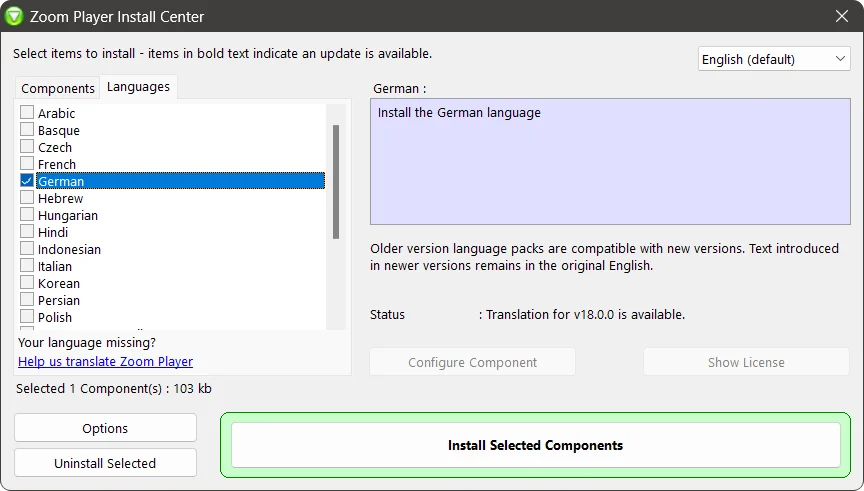
To download additional languages, run Zoom Player's install center and switch to the "Languages" tab.
How to run the Install Center
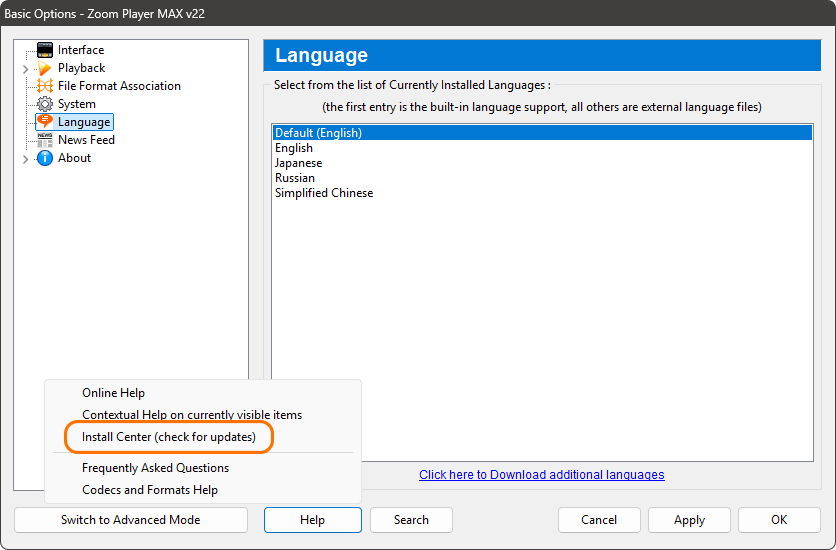
To run the Install Center, you can open it from the Zoom Player Options window (Ctrl+O) then click the 'Help/Export' button and click "Install Center". Alternatively you can also click the link "Click here to Download additional languages" which can be found in the bottom of the Language page. You can also run the Install Center by opening it's shortcut which can be found in the Start menu / Zoom Player folder.